
Metadata update settings
Automated test metadata can be maintained automatically from uploaded results or manually in the TestOps UI. Metadata update settings decide which source stays authoritative and are handled by metadata update policies.
By default, automated-test metadata is updated automatically from uploaded results, while manual-test metadata is managed manually in TestOps. Change this behavior only when your team needs a different source of truth for a specific field.
Code-driven automation
For automated tests, metadata is often best maintained in code because it travels with the test implementation. Names, tags, links, owners, layers, and custom fields can be generated with the test result and updated in TestOps on each upload, so the visible test case stays aligned with the automation that actually runs.
Typical code-driven fields:
- name;
- tags that come from code;
- links or issues generated by the automation;
- ownership or custom fields emitted by the test results.
UI-managed details on top of automation
Some automated-test fields are better maintained by people in TestOps. Use this when the team needs curated descriptions, expected results from an earlier manual case, manually assigned owners, or project-specific metadata that should not change every time automation uploads new results. In this case, the uploaded value is ignored for the selected field, and the value stored in TestOps remains authoritative.
Example
Suppose the automation code should keep controlling the test name and tags, but the team wants a manually written description in Allure TestOps to remain unchanged. In that case:
- leave name and tags as from test result;
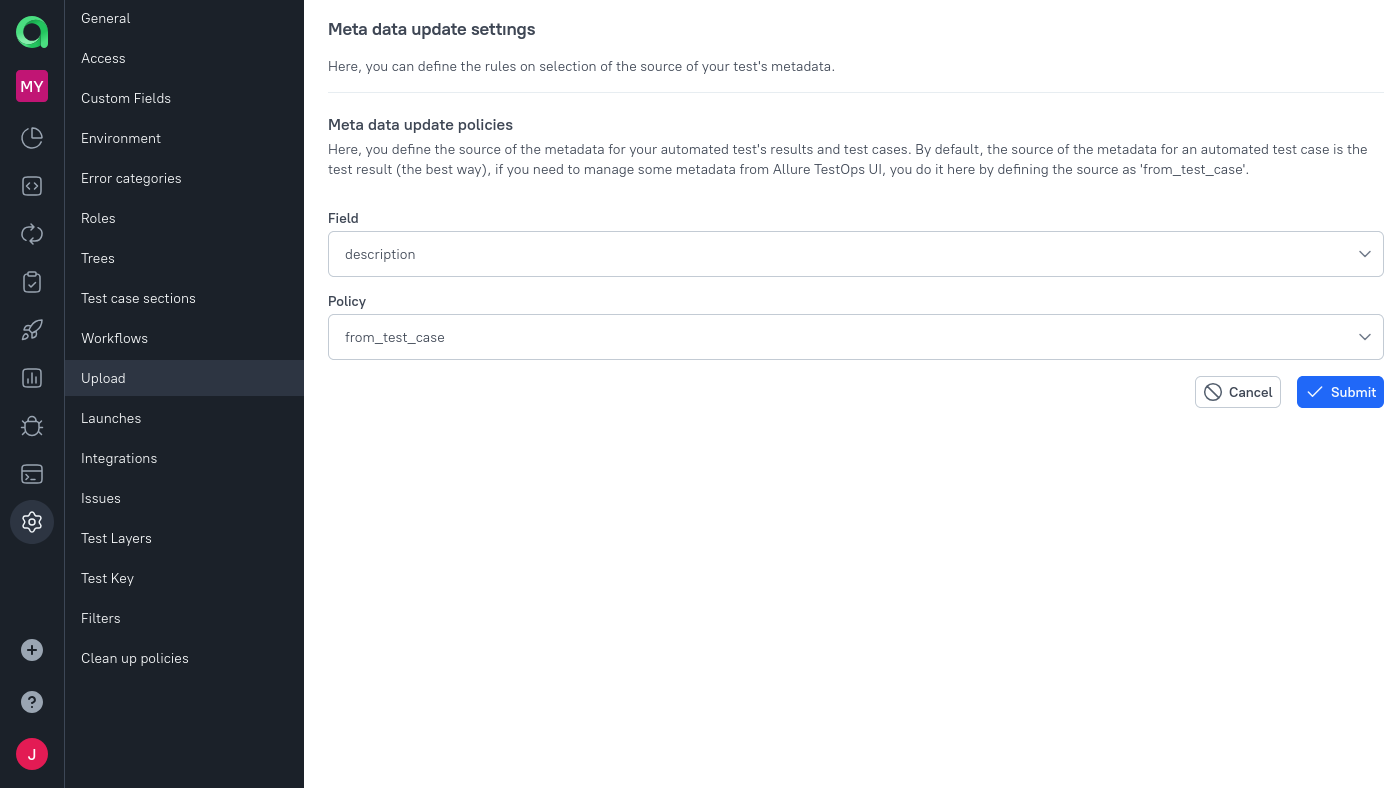
- set description to from test case.
How to setup metadata update source
To perform the actions described below, you must be the owner of the project in which you want to make changes.
In TestOps, metadata update sources are configured with upload policies.
To explicitly define the source of a field:
- Open your project.
- Go to Settings → Upload.
- Click + Create.
- Select an attribute (part of the tests' metadata) field for which you need to create the update policy.
- Select the policy defining the source of the data.
- Click Submit.
From this moment on:
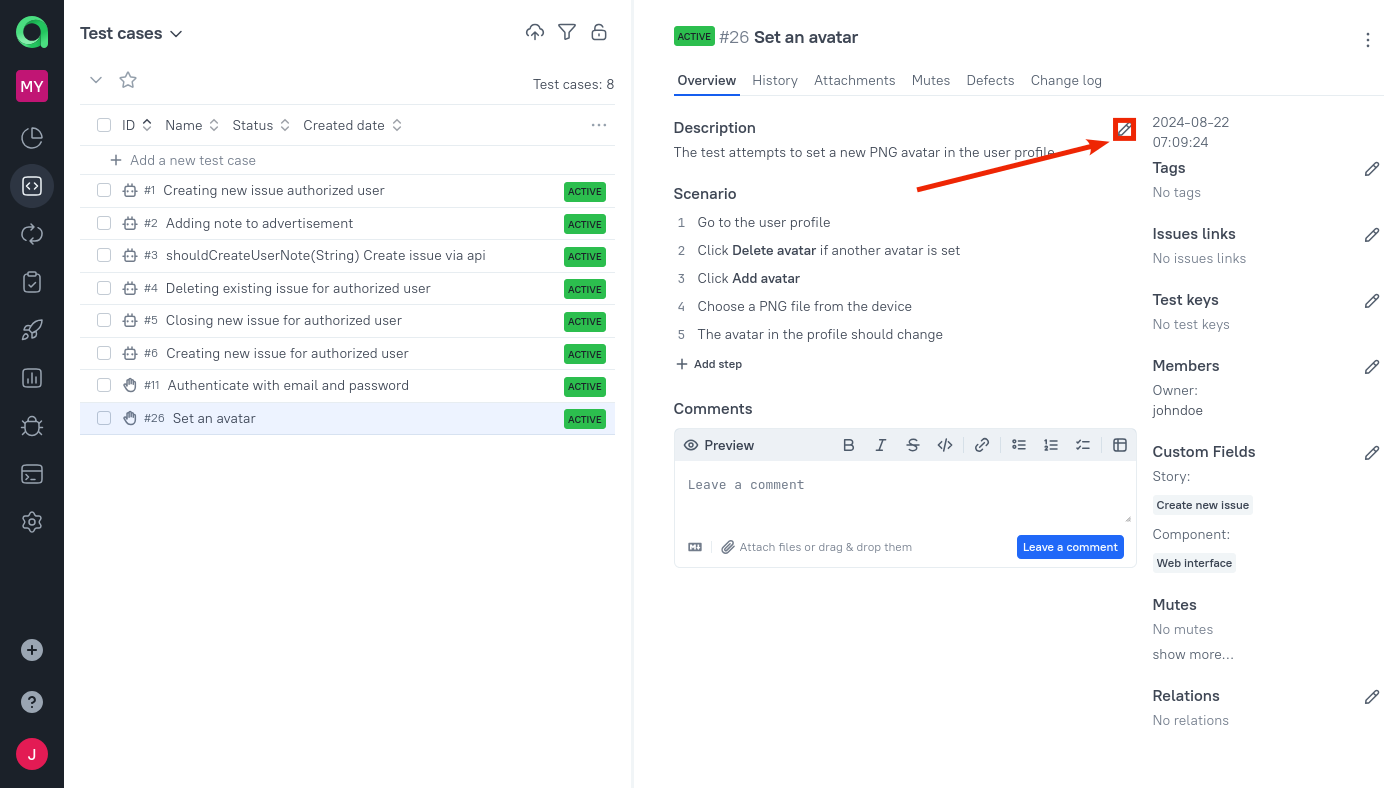
- Allure TestOps will allow entering that configured attribute in the UI.
- The selected source becomes authoritative for that field on future automated updates of the test case.
For example, if description is configured as from test case, the description stored in Allure TestOps remains in use and incoming description data from uploads is ignored.
The policy changes future automated updates. It does not retroactively rewrite older launches or test-case revisions that were already stored before the policy existed.
Fields that support update policies
Currently, Allure TestOps supports the creation of upload policy for the following attributes of test cases:
- name
- test_layer
- description
- expected_result (please read the last section on this page)
- link
- tag
- issue
- member
- custom_field
Important caveats
expected_result
The attribute expected_result is for manual tests only. It is not provided by uploaded automated test results.
If you automate an existing manual test case and want to keep its expected result in the automated test case, explicitly set that field to from test case before the automated launch updates the case. Otherwise, the field will be removed on launch closure because the upload has no replacement value for it.
When to change these settings
Change metadata update settings when:
- automated cases should keep some manually written documentation;
- a field should stop being overwritten by uploads;
- a manual case is becoming automated and some manual-only context must be preserved.
If none of these applies, leave the defaults and let automation update the visible test case automatically.
Next steps
- Run automated tests for the execution workflow.
- How to automate a manual test for linking an existing manual case to automation.
- Test management sync and export for external-system synchronization topics.
