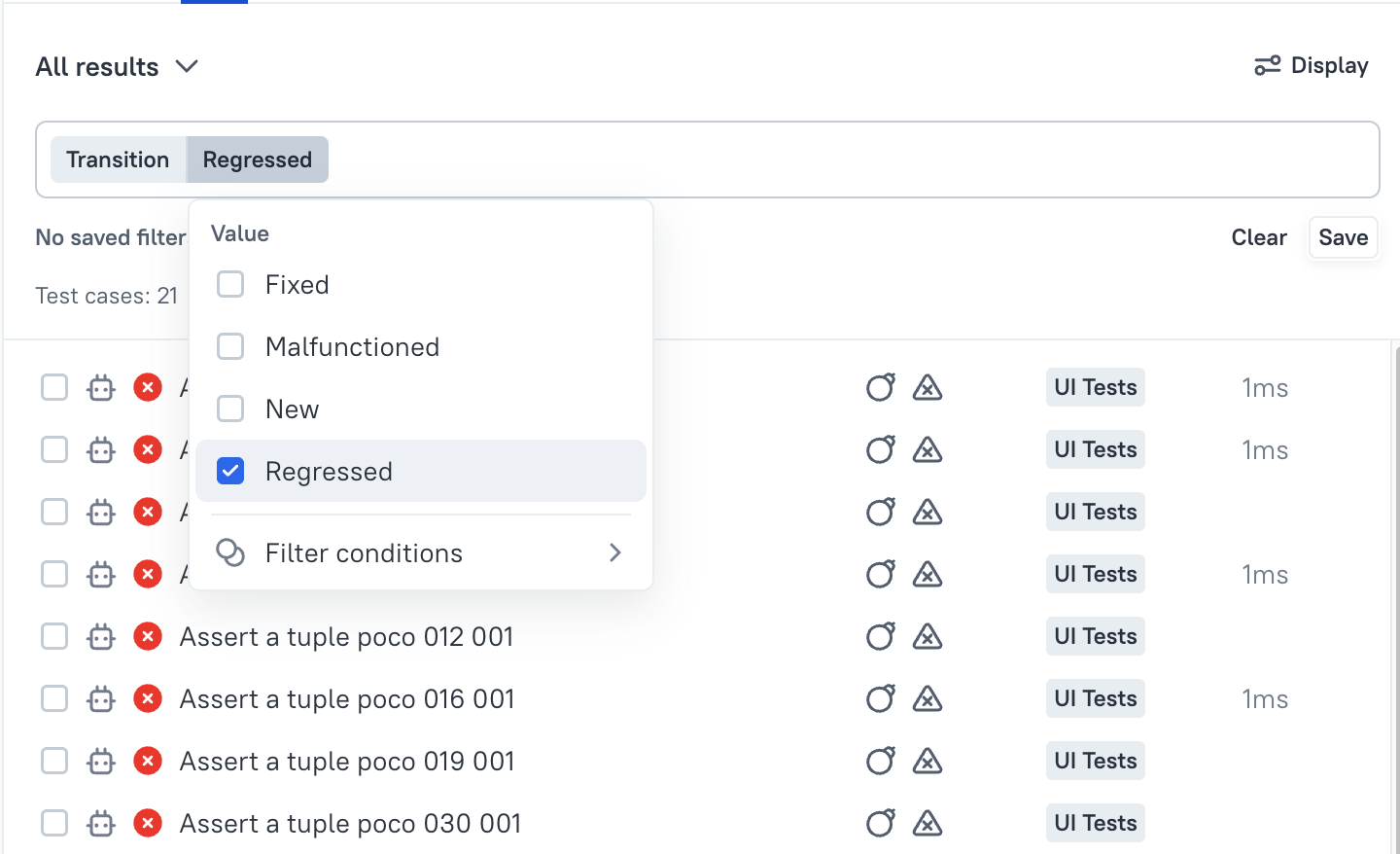
How can we quickly see if tests have regressed or have been fixed?
Question: When a launch is created and test results have been uploaded, we need a quick overview on the tests that have regressed or have been fixed comparing to the previous launches/executions. Is there any way to get this information?
How to
This feature is available starting from release 26.2.1.4
The fact of regression, malfunctioning or fix of a test can be quickly checked using test status transitions.
What is a status transition?
Status transition is a test result attribute that shows how test result for a certain test case changes between consecutive executions.
There are following transitions available in Allure TestOps.
Transitions are considering the environments where the tests were executed. So if there are two launches, and one has Browser = "One" and the other launch has Browser = "Two", then in each launch the result of the same test case will be considered as different one.
| Icon | Name | Description |
|---|---|---|
 |
New result | TR gets this attribute if current result appears in launches first time. This generally means, either Allure TestOps must create a new test case or, this result appears first time for a certain environment. |
 |
Regressed test | TR gets this attribute if current result has transitioned from previously PASSED or BROKEN result to FAILED in the current launch. |
 |
Malfunctioned test | TR gets this attribute if current result has transitioned from previously PASSED or FAILED status to BROKEN in the current launch. |
 |
Fixed result | TR gets this attribute if current result has transitioned from previously BROKEN or FAILED status to PASSED in the current launch. |
Filtering transitions
To quickly find tests that have regressed or have fixed in the current launch, you can apply a filter by transition attribute of test results in the current launch.
Simply select transition in the filters list, then select the transitions you want to see and apply the filer.